Stash everything you copy.
Recall and paste instantly with ⌘⇧V.
The lightweight, 100% offline macOS clipboard manager. No servers, zero telemetry, no Electron bloat. Just instant native speed.
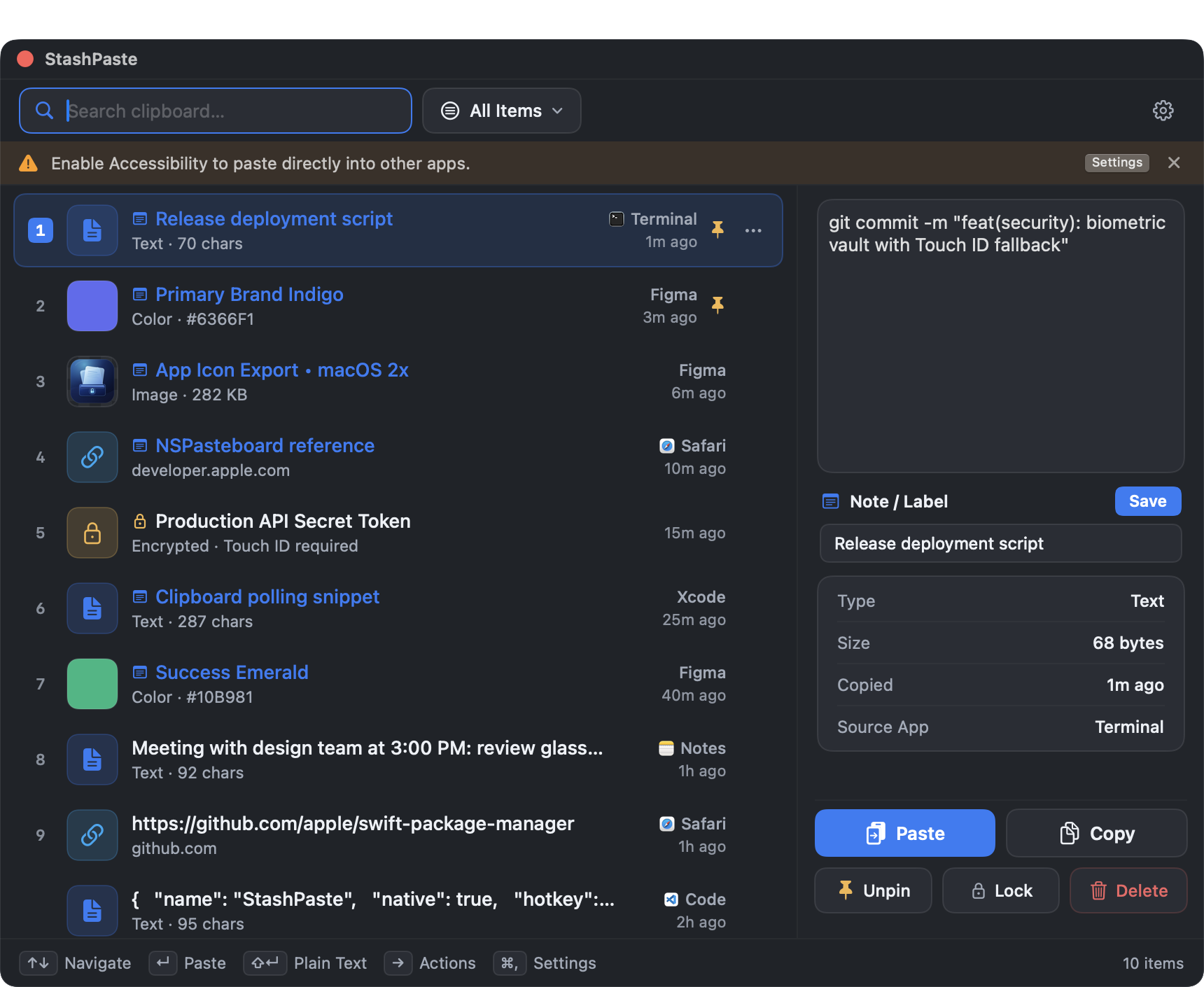
Native macOS Experience
Features
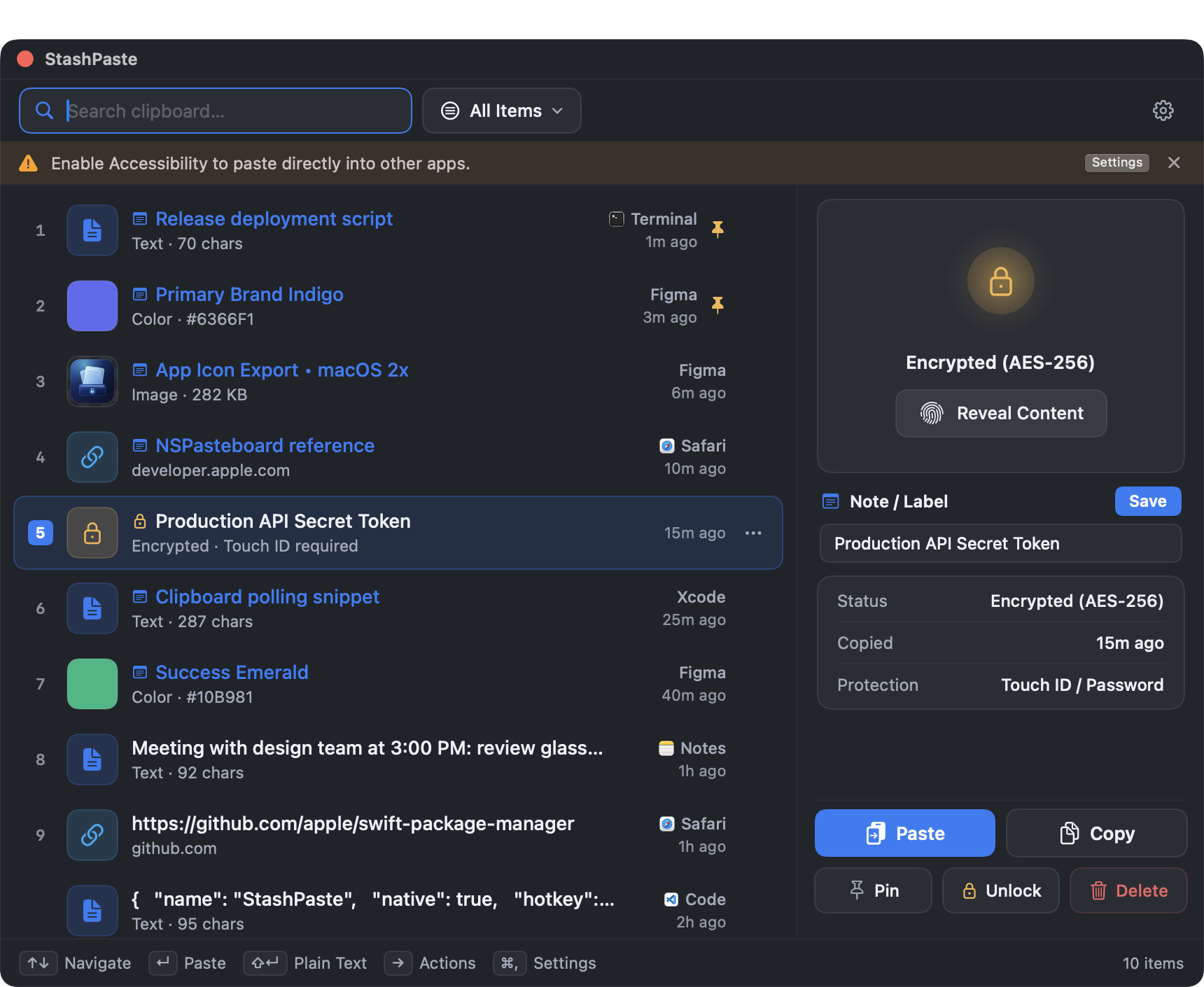
Instant Search
Search through your last 200 clipboard items in under 50ms. Just start typing.
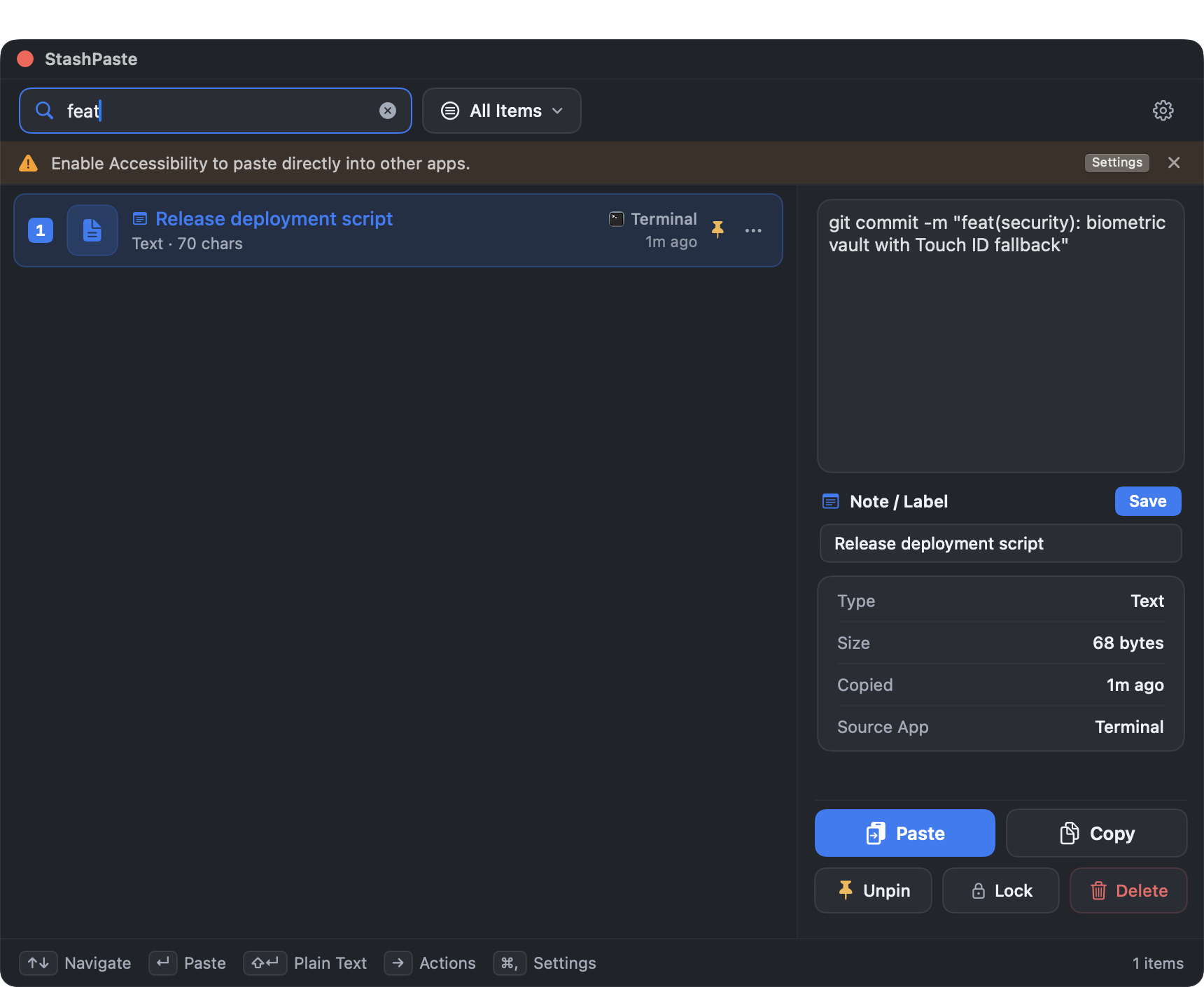
Rich Content
Text, images, URLs, and HEX colors — everything captured and searchable.
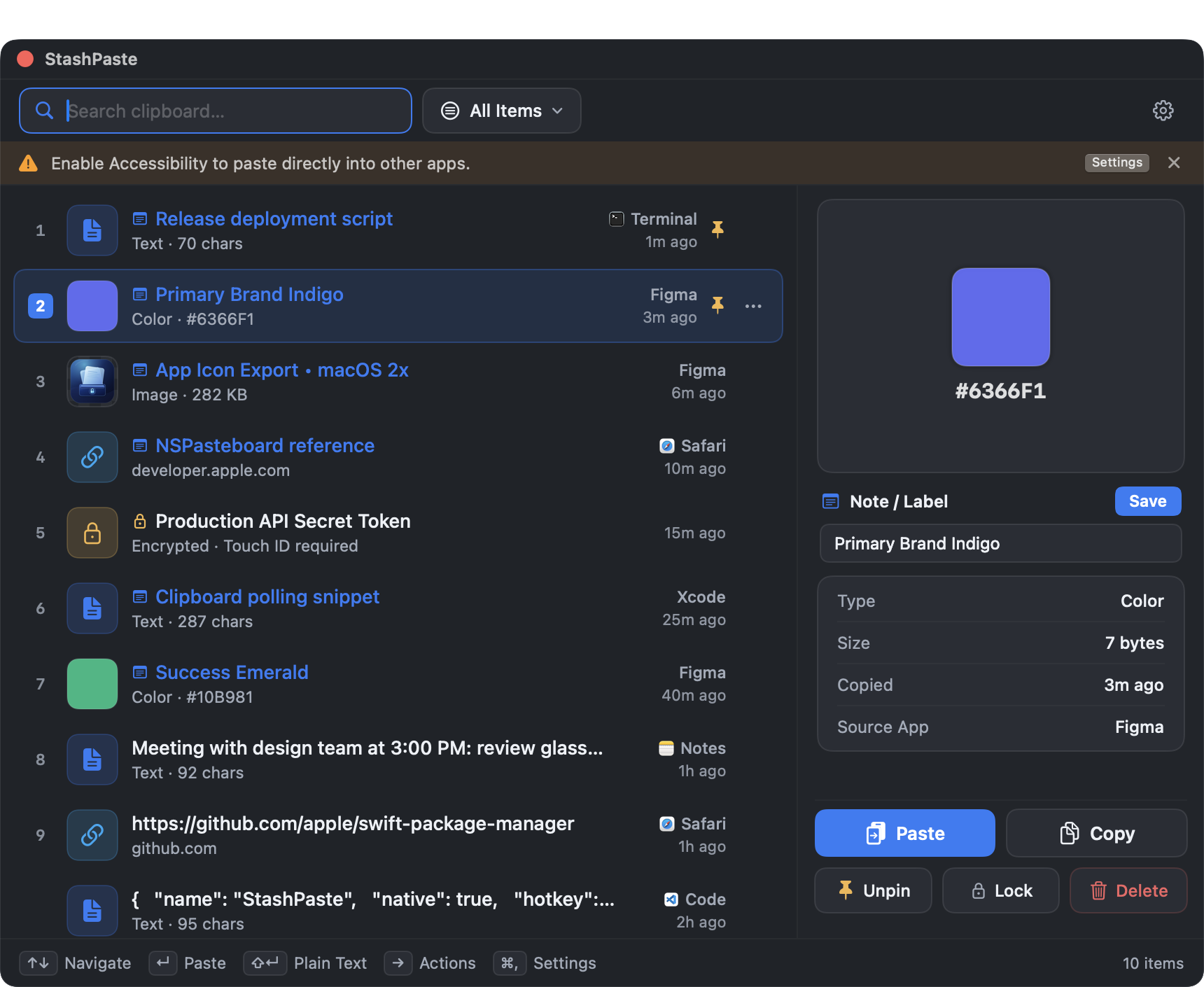
Pin & Annotate
Pin frequently used snippets and add notes for instant context.
Keyboard First
⌘⇧V to open. ↑↓ to navigate. ↵ to paste. Zero mouse required.
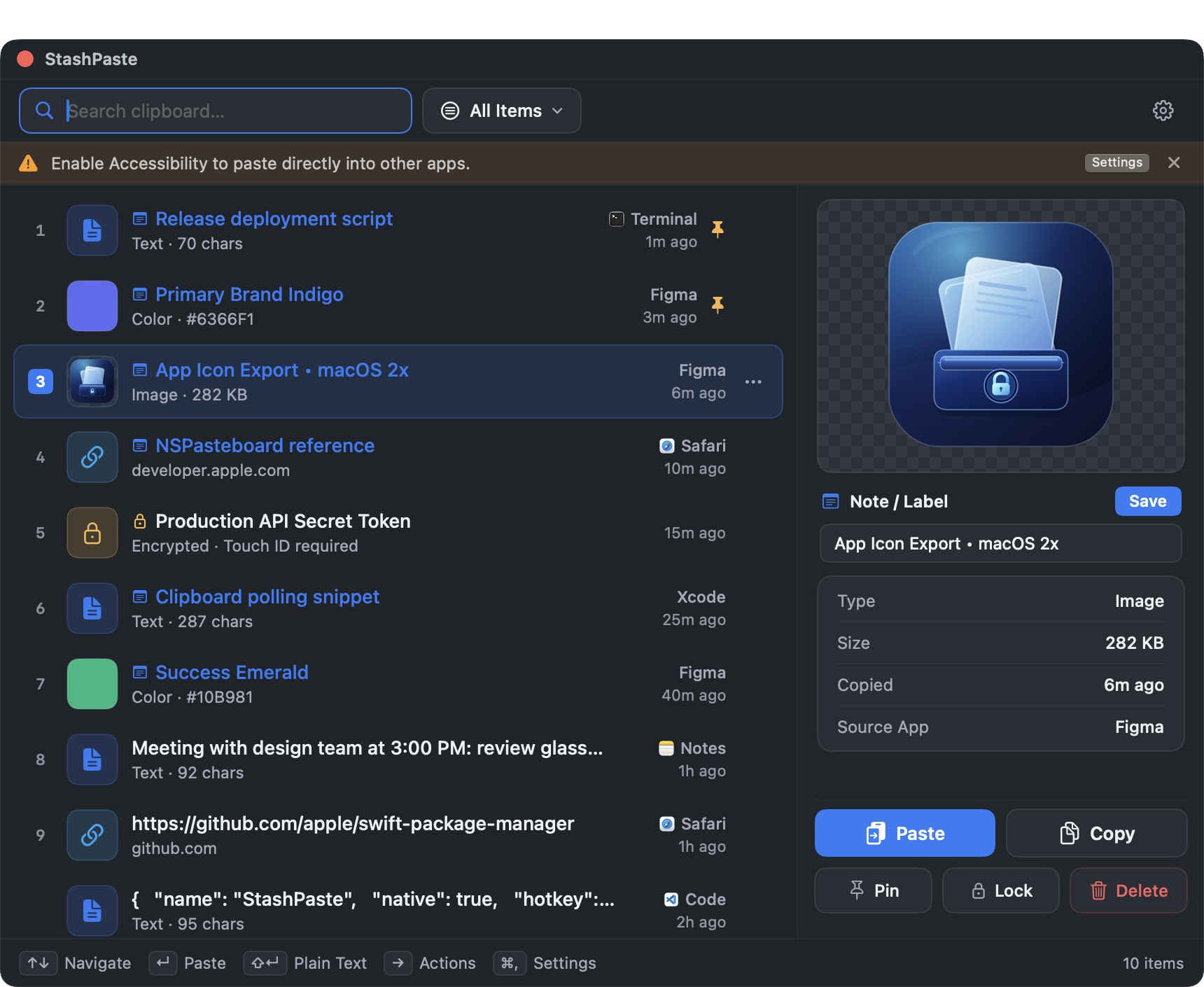
Touch ID Vault
Lock sensitive snippets behind biometric authentication. Only you can access them.
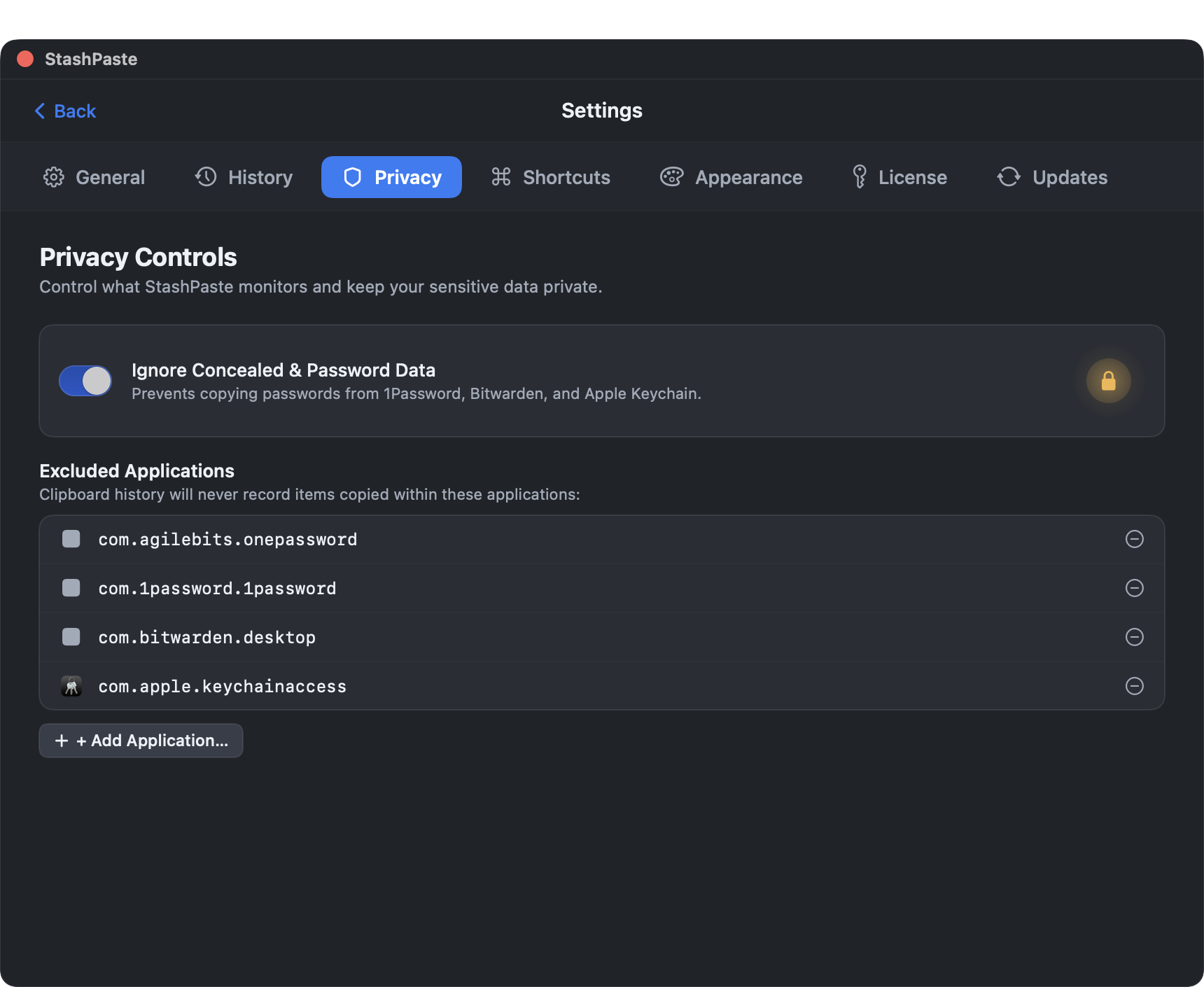
Smart Exclusions
Password managers like 1Password and Bitwarden are automatically excluded from capture.
Frictionless Workflow
How it works
Copy
Copy anything as you normally do. StashPaste captures it silently in the background.
⌘⇧V
Press the shortcut to open StashPaste. Search or scroll through your clipboard history.
Done
Select an item and press Enter — it's pasted instantly into your active app.
Your clipboard stays yours.
Built from the ground up with privacy as a non-negotiable.
100% Offline
No servers. No cloud sync. No telemetry. Your data never leaves your Mac.
Touch ID Vault
Lock sensitive items behind biometric authentication. Only you can see them.
Smart Exclusions
Password managers are automatically excluded. No passwords in your clipboard history.
Local Storage
Everything stored in a single SQLite database on your Mac. No cloud. No sync. No risk.
Pay once. Own it forever.
Try StashPaste free for 14 days. No credit card required.
One-time payment • Free Updates Forever
- ✓ All features included
- ✓ Free updates forever
- ✓ No subscription
- ✓ 14-day free trial
- ✓ macOS 13+ (Ventura and later)
- ✓ Apple Silicon & Intel